 Motioner
 Trending
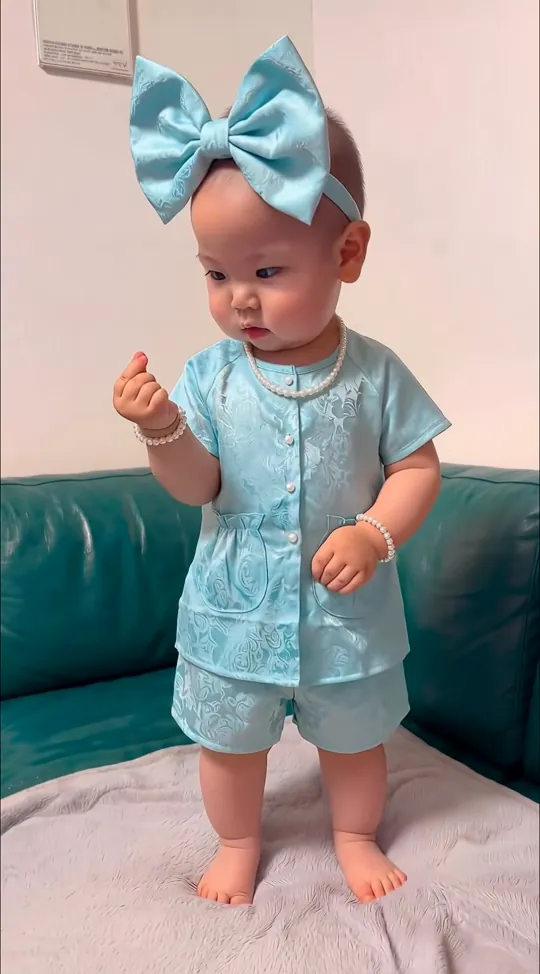
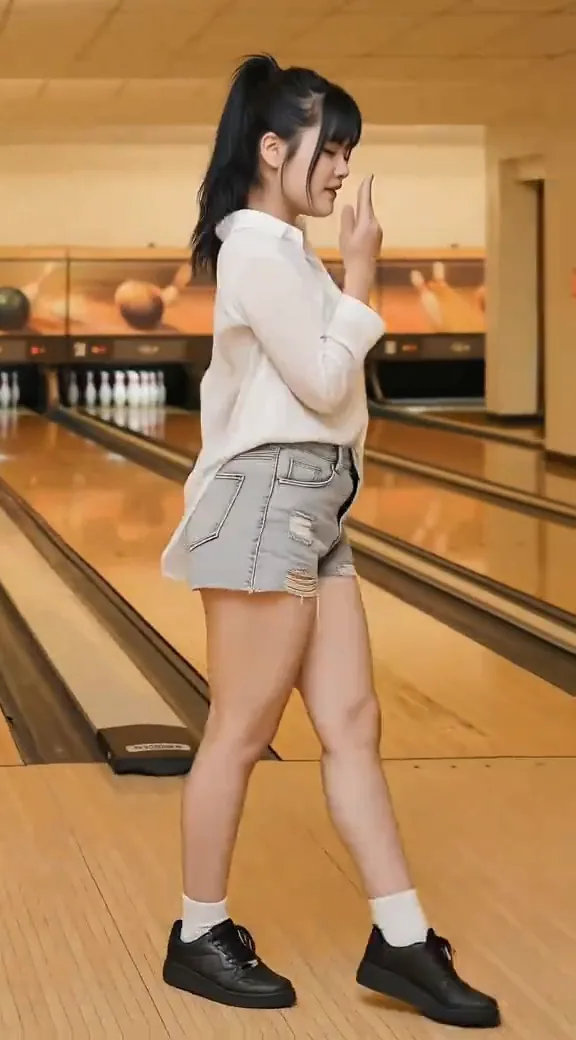
Standard
Fast, and good for trying a move.
0.4 credits / second
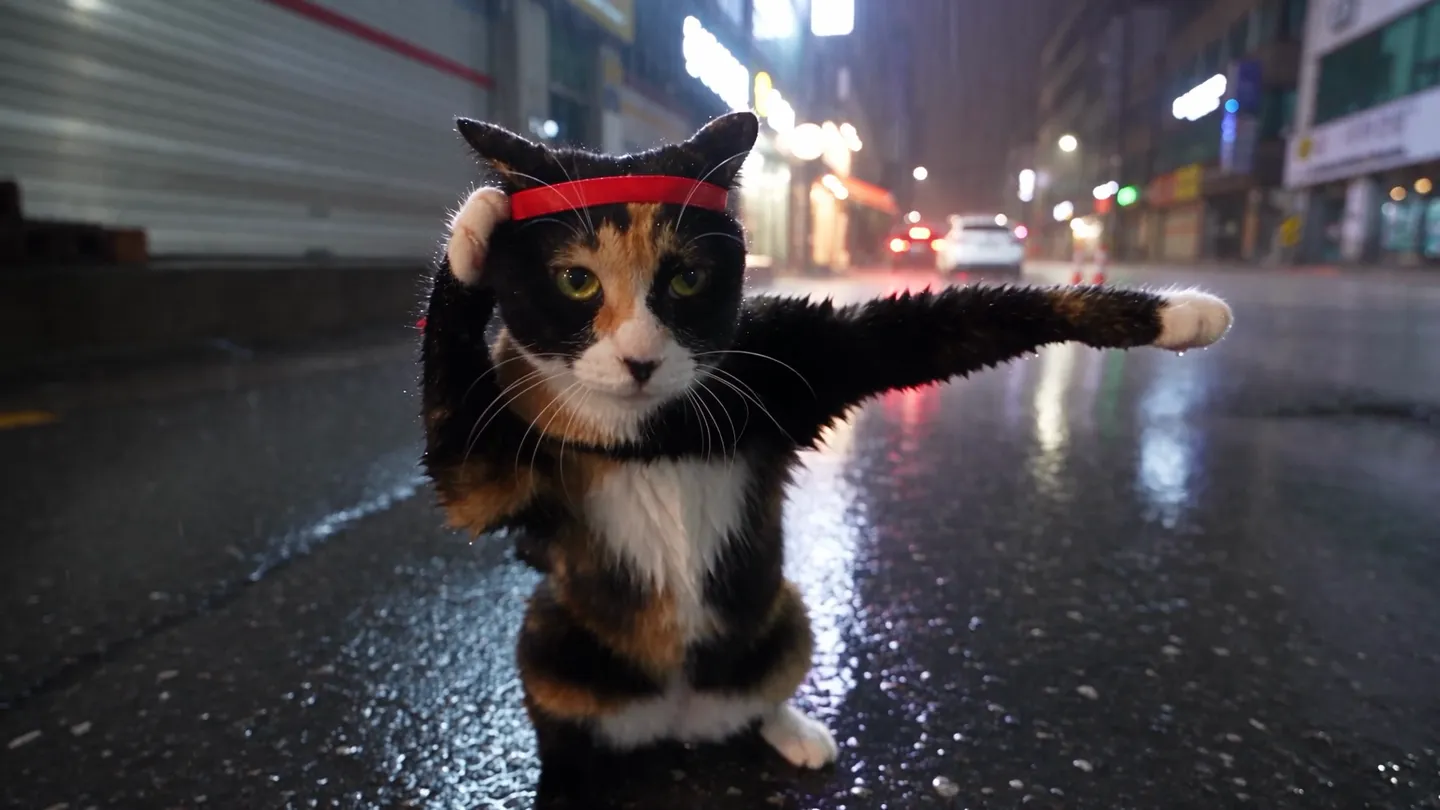
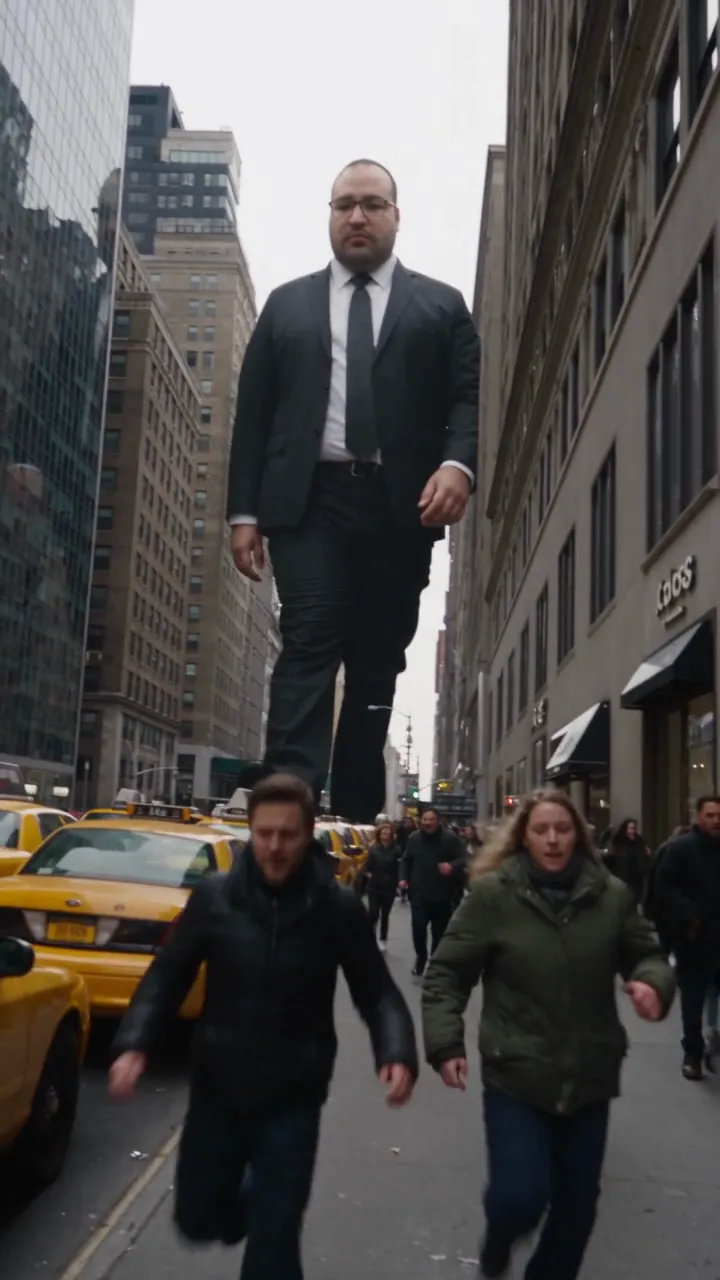
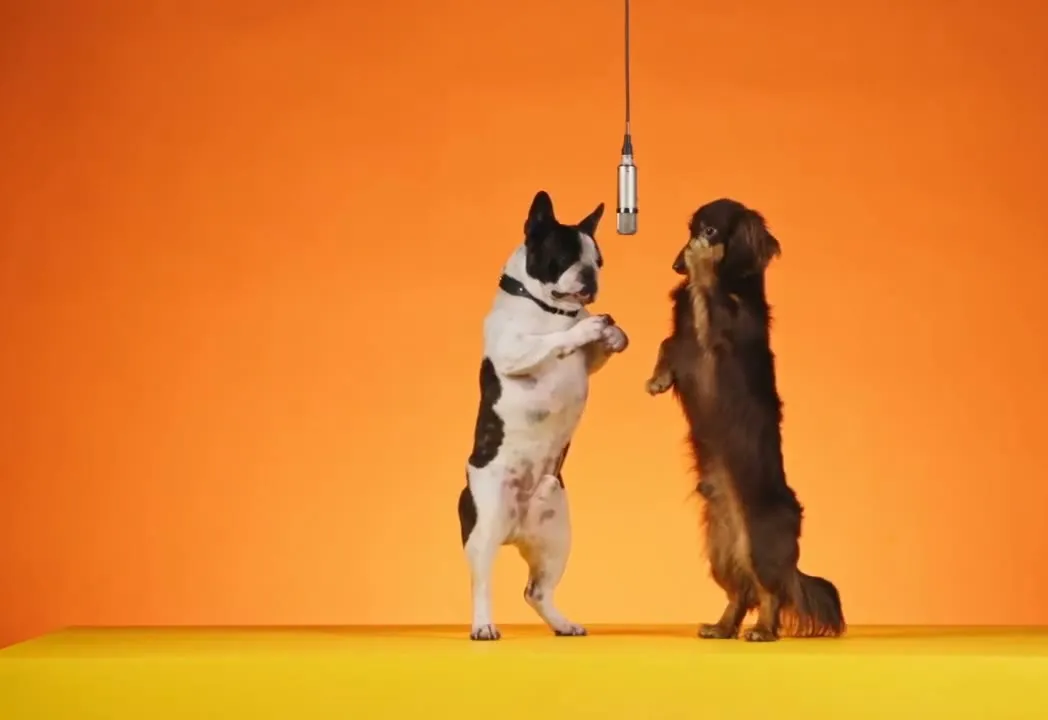
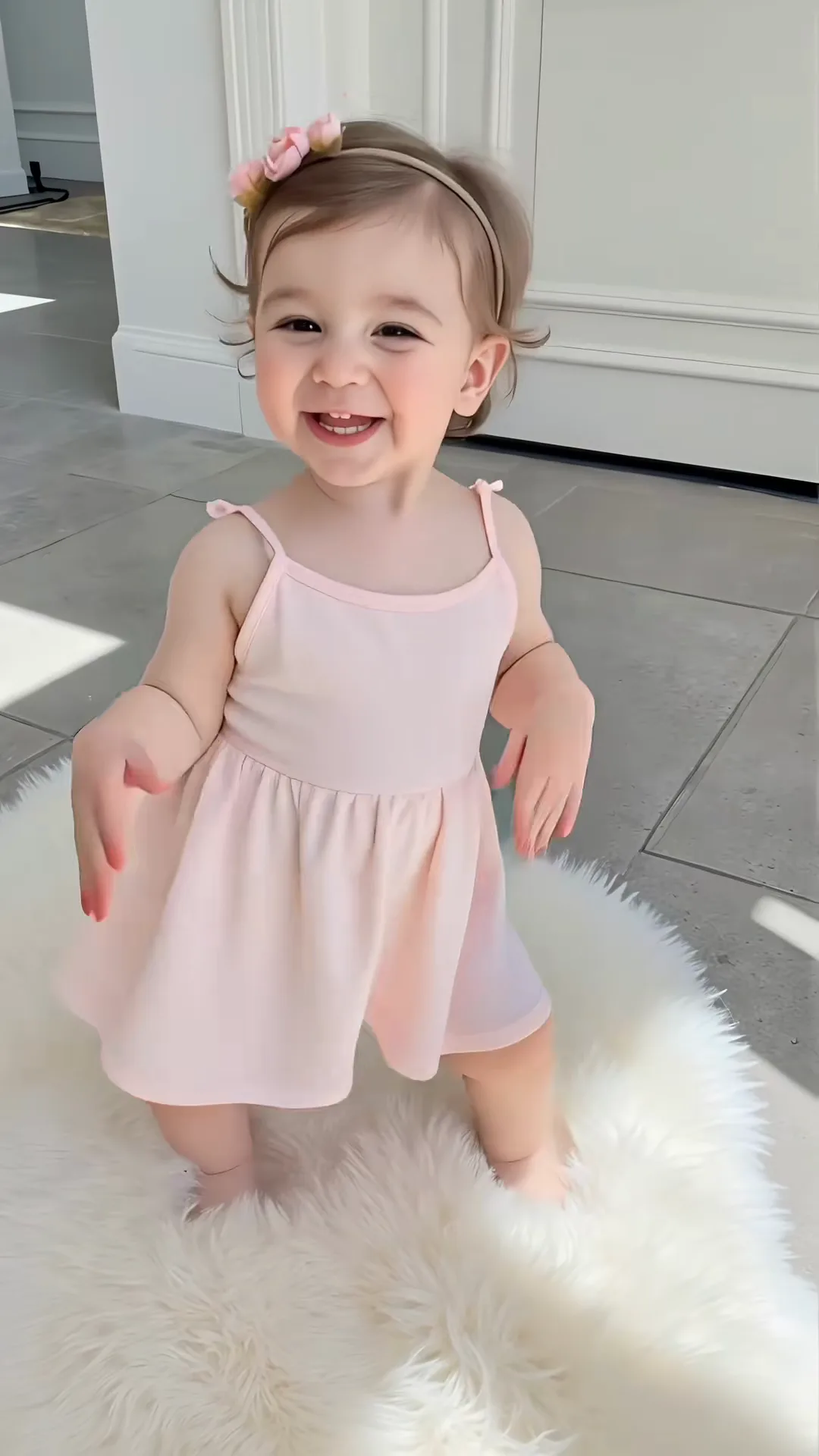
A 15-second video: 6 creditsMotioner reads the movement in a reference video, like a TikTok dance, a goal celebration or a kung fu form, and transfers it onto the person in your photo. Frame for frame, on the beat.
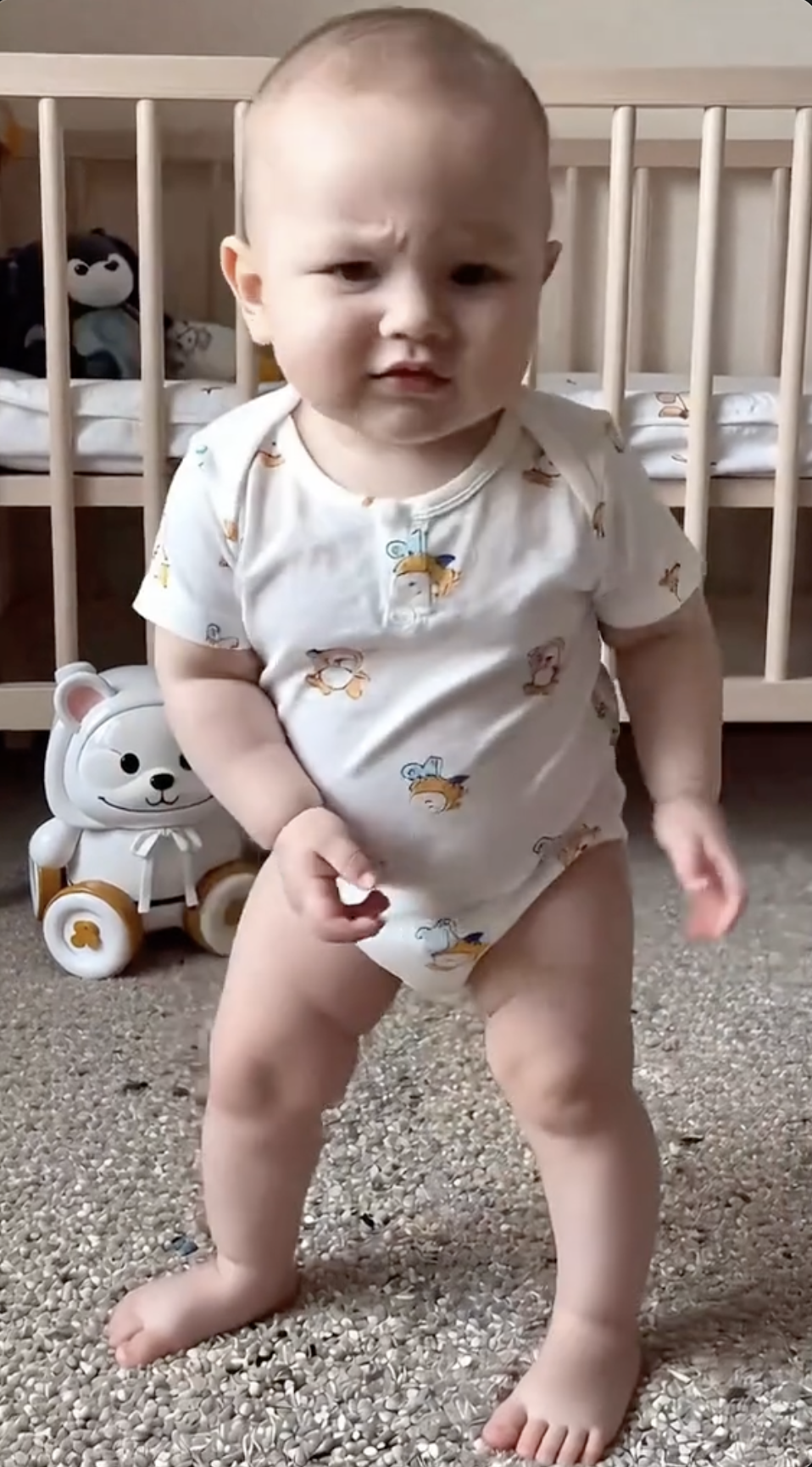
AI motion control animates a still photo by borrowing the movement from a reference video. Instead of describing motion in a prompt, you show it: the model tracks the pose, timing and rhythm of the person in the clip, then re-renders the person in your photo doing the same moves.
The video keeps what makes the photo yours, like your face, outfit, hair and background, while every step comes from the clip. That is why it suits dance trends: pick the move, and your photo performs it on the beat.
Three steps, in the browser or the app. You see the price before anything is made.
One person in good light, framed the way the move needs: full body for footwork, waist-up for arm moves.
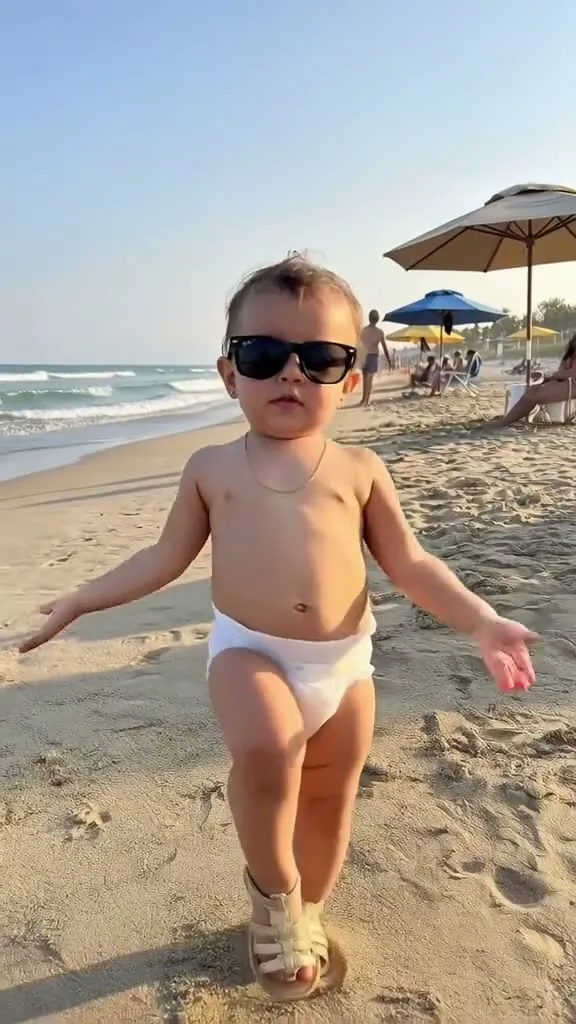
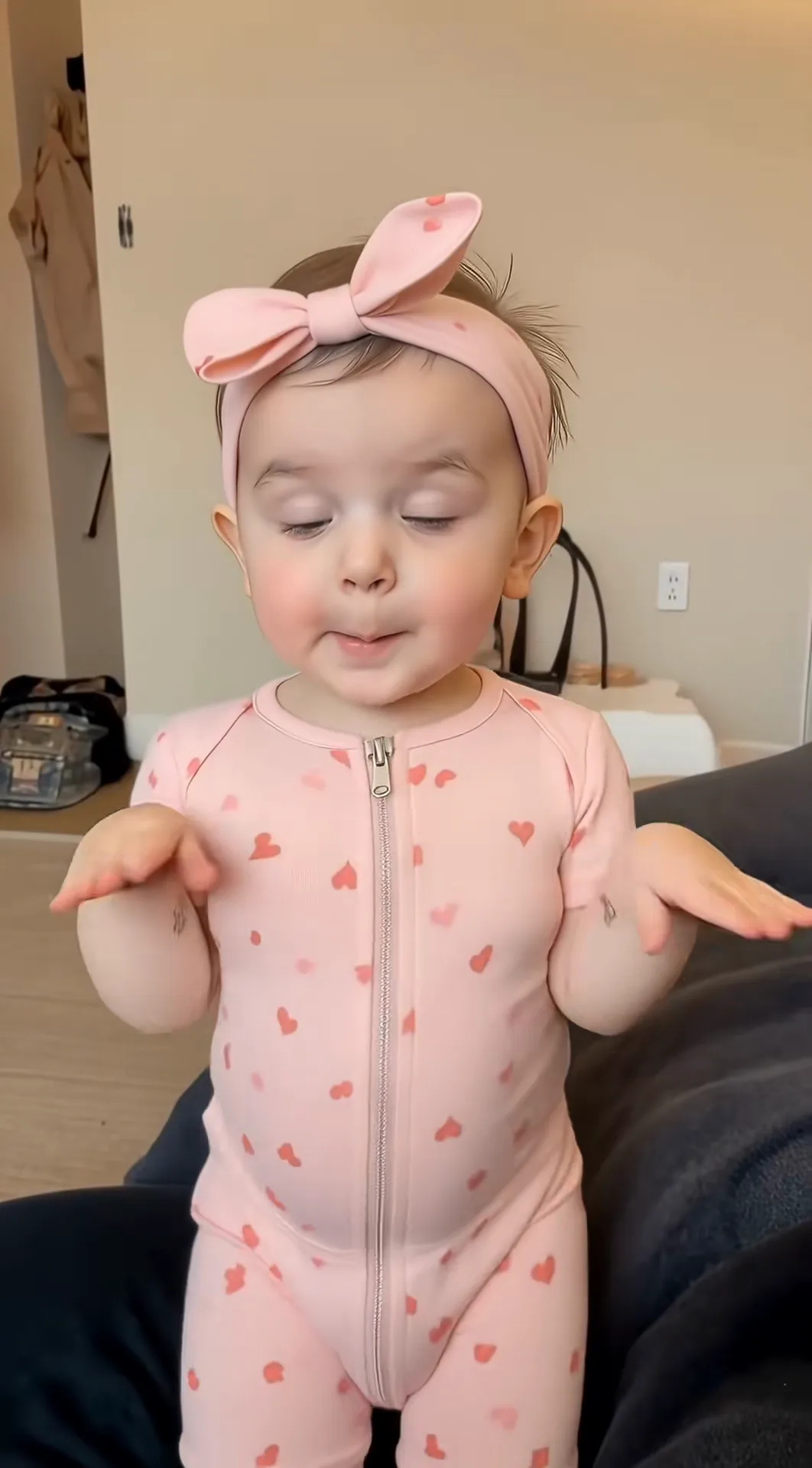
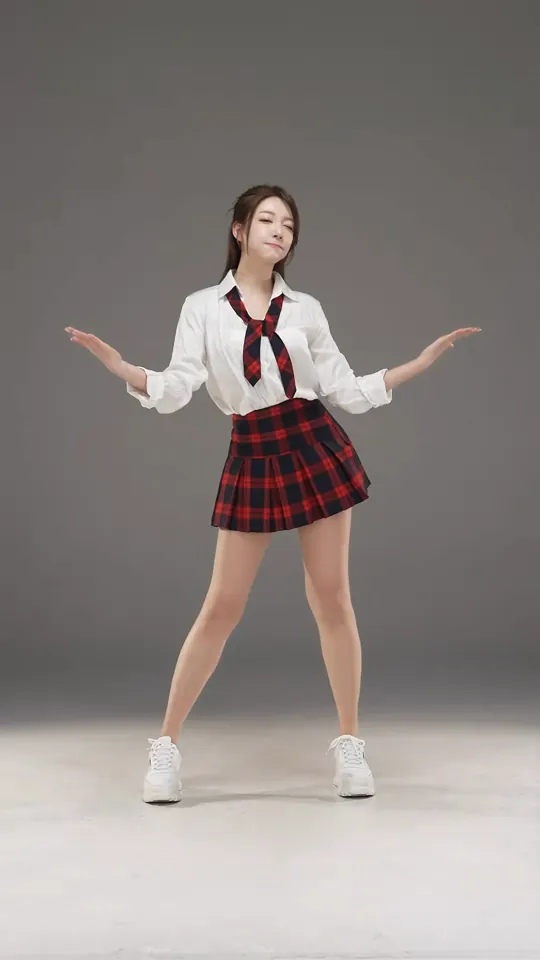
Choose a trending dance, a sports move or a martial arts form. Or upload any clip from 5 to 30 seconds.
Standard, Ultra or Max, each with its exact price. The video lands in your library, ready to download or share.
Hover to preview. Every move works with your photo.
Motion control is priced per second of video, and every tier shows its exact cost before you create. Credits from packs never expire.
Fast, and good for trying a move.
Sharper faces and hands. Our pick for posting.
The best detail for close-ups and long clips.
Text-to-video guesses the motion from your words. Motion control copies it from a clip.
| Feature | Motion control | Text-to-video |
|---|---|---|
| Where the motion comes from | A real reference clip | Your description |
| Choreography | The exact steps, in order | Roughly what you asked for |
| Timing | On the beat of the clip | Up to the model |
| Who is dancing | The person in your photo | Often a new face |
AI motion control is a way to animate a still photo by borrowing the movement from a reference video. The model tracks the pose, timing and rhythm of the person in the clip and re-renders the person in your photo performing the same moves, so you get a new video that keeps your face, outfit and background.
One clear photo of a person and one reference clip of the move. Pick a trending dance from the Motioner library, or upload your own clip between 5 and 20 seconds long.
Your video follows the length of the reference clip, from 5 up to 20 seconds. That covers a short loop or a whole chorus.
Standard (0.4 credits per second) is fast and good for tests. Ultra (0.8 credits per second) gives sharper faces and hands, and is the one we recommend. Max (1.2 credits per second) gives the best detail. Every tier shows its exact price before you create.
One person, facing the camera, in good light, with the body framed the way the move needs: full body for dances with footwork, waist-up for upper-body moves. Simple poses with arms visible work best.
No. Videos are vertical HD with no watermark, ready to post to TikTok, Instagram Reels and YouTube Shorts or to download.
Motioner runs on state-of-the-art motion control video models, including Kling motion control, and picks the model behind each quality tier for you.
Only use photos you own or have permission to animate. Motioner asks you to confirm consent before every video, and its AI safety policy applies to everything you make.
Make your first motion control video in the browser, or take Motioner with you.